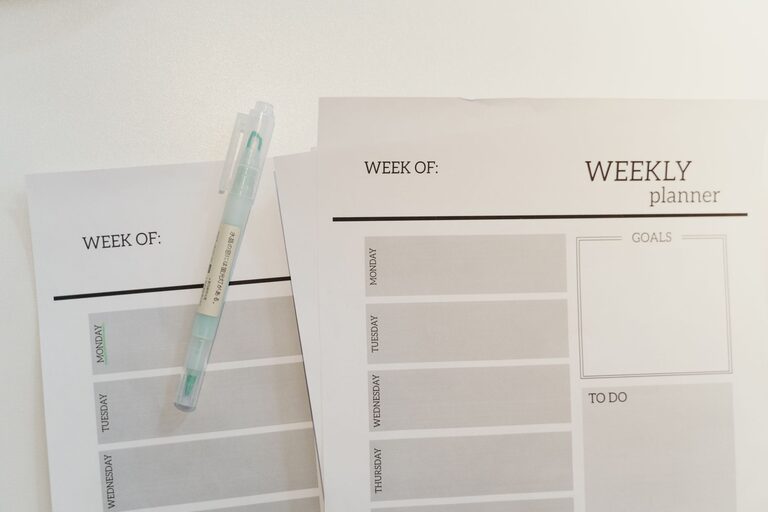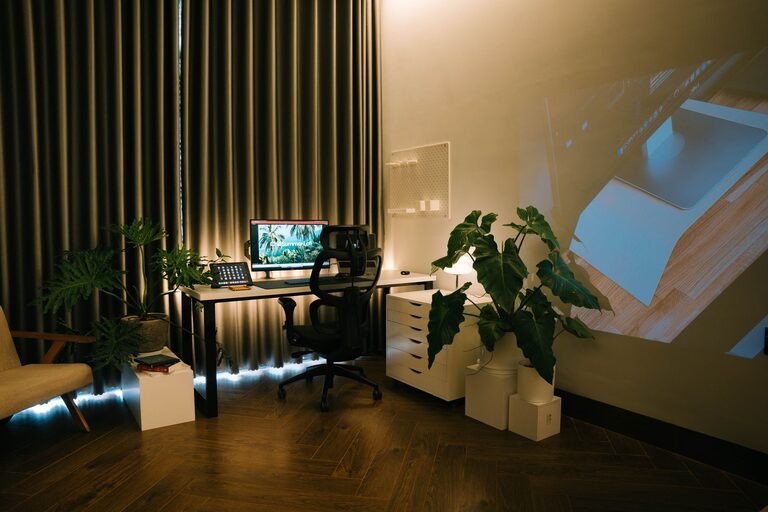
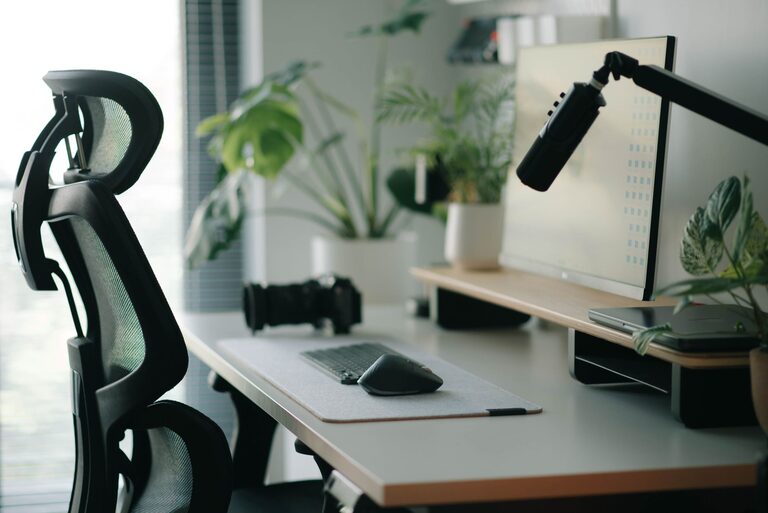
Creating a workspace that encourages focus and comfort is essential, whether you’re working from home or at the office. A well-designed desk setup can reduce distractions, prevent physical discomfort, and improve overall productivity. In this post, we’ll explore practical tips to help you arrange your desk for optimal focus and comfort.
Why Desk Setup Matters
Your desk is more than just a place to put your computer; it’s where you spend hours each day. An uncomfortable or cluttered workspace can lead to distractions, fatigue, and even physical strain. By paying attention to how your desk is organized and what tools you use, you can create an environment that supports sustained concentration and well-being.
Choosing the Right Desk and Chair
Ergonomic Chair
Invest in an adjustable ergonomic chair that supports your lower back. Proper lumbar support helps maintain the natural curve of your spine and prevents back pain.
Desk Height
The desk should be at a height where your forearms are parallel to the floor when typing. Adjustable desks or sit-stand desks are ideal because they allow you to change positions throughout the day.
Desk Layout and Organization
Keep Essentials Within Reach
Place frequently used items like your keyboard, mouse, phone, and notepad within arm’s reach to avoid repetitive stretching or twisting.
Use Organizers
Desk organizers, trays, or drawers help keep your workspace tidy and reduce visual clutter. Separate items by category (e.g., writing tools, electronics, documents) for easy access.
Limit Personal Decorations
A few personal items like a photo or a plant can boost mood, but too many decorations may cause distraction. Stick to one or two meaningful items.
Optimize Lighting
Natural Light
Position your desk near a window to take advantage of natural light. Natural light can elevate mood and reduce eye strain.
Task Lighting
If natural light is limited, use a desk lamp with adjustable brightness. Position the lamp to avoid glare on your screen and shadows on your work surface.
Monitor Placement and Screen Setup
Eye Level Screen
Your monitor should be at eye level, about 20-30 inches away, so you don’t have to tilt your head up or down. Consider using a monitor stand if needed.
Multiple Screens
If you use more than one monitor, arrange them side-by-side at the same height. This setup reduces neck strain when switching focus between screens.
Ergonomics for Comfort
Keyboard and Mouse Position
Place your keyboard and mouse so your wrists are straight and your elbows are close to your body. Use a wrist rest if needed to reduce strain.
Take Breaks and Move
Remember to stand up and stretch or walk every 30 to 60 minutes. Movement helps prevent stiffness and keeps your mind fresh.
Minimize Distractions
Declutter Your Desk Surface
A clean desk reduces the chance of distraction and helps you focus on the task at hand.
Use Cable Management
Wrap cables and use clips or sleeves to keep wires out of sight and organized, helping maintain a neat and distraction-free environment.
Personalize Your Setup for Motivation
Add Plants
Indoor plants can improve air quality and create a calming atmosphere, which may boost concentration.
Incorporate Color
Use calming colors like blue or green for your desk accessories or background to help with focus.
—
Building a desk setup that promotes focus and comfort doesn’t have to be complicated. By thoughtfully arranging your workspace, investing in ergonomic furniture, and managing your environment, you’ll create a spot where productivity naturally flows. Remember that everyone’s preferences differ, so take time to experiment and find what works best for you.
About the Author